

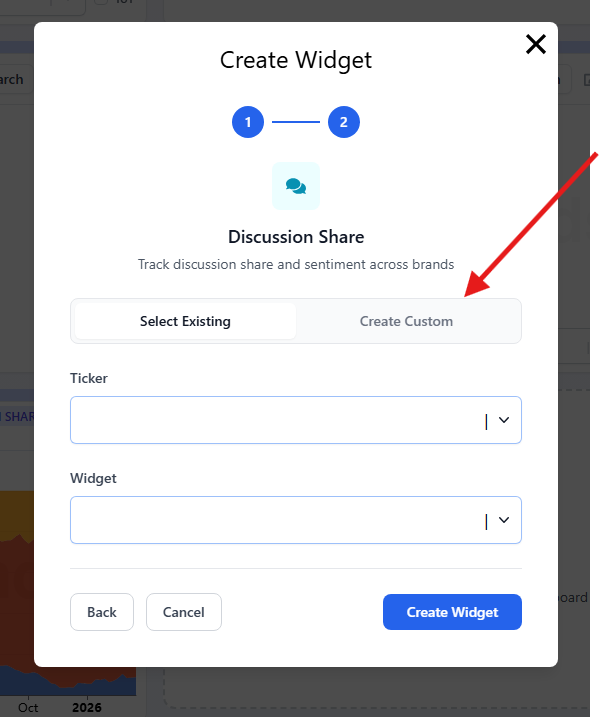
Discussion Share graphs now support segment-level filtering. You can select or remove individual sections directly within the graph, giving you full control over which categories are displayed.
What changed
This update adds three new controls:
Toggle individual segments on or off
Isolate specific categories for a focused view
Adjust the visualization in real time
Rather than viewing all segments at once, you can filter the graph down to the categories most relevant to your analysis.
Why it matters
Discussion data across multiple segments can obscure the signals that matter most. Filtering lets you focus on the conversations driving the most movement—whether that's a specific product category, a particular narrative, or a subset of brands.
This makes it easier to answer: what is actually driving the shift in attention?
Example workflow
Instead of reviewing a full, cluttered graph, remove the segments that are not relevant, keep the categories you care about, and compare how they evolve over time. The signal becomes much easier to read.
Bottom line
Discussion Share is no longer a fixed view. Segment-level filtering turns it into a flexible analysis tool you can tailor to the specific question you're trying to answer.
For access to our KPI forecasting platform, please contact admin@tickertrends.io .
TickerTrends Enterprise provides access to tracking and forecasting across 500+ public company KPIs, alongside actionable, data-driven research.
https://tickertrends.io/enterprise